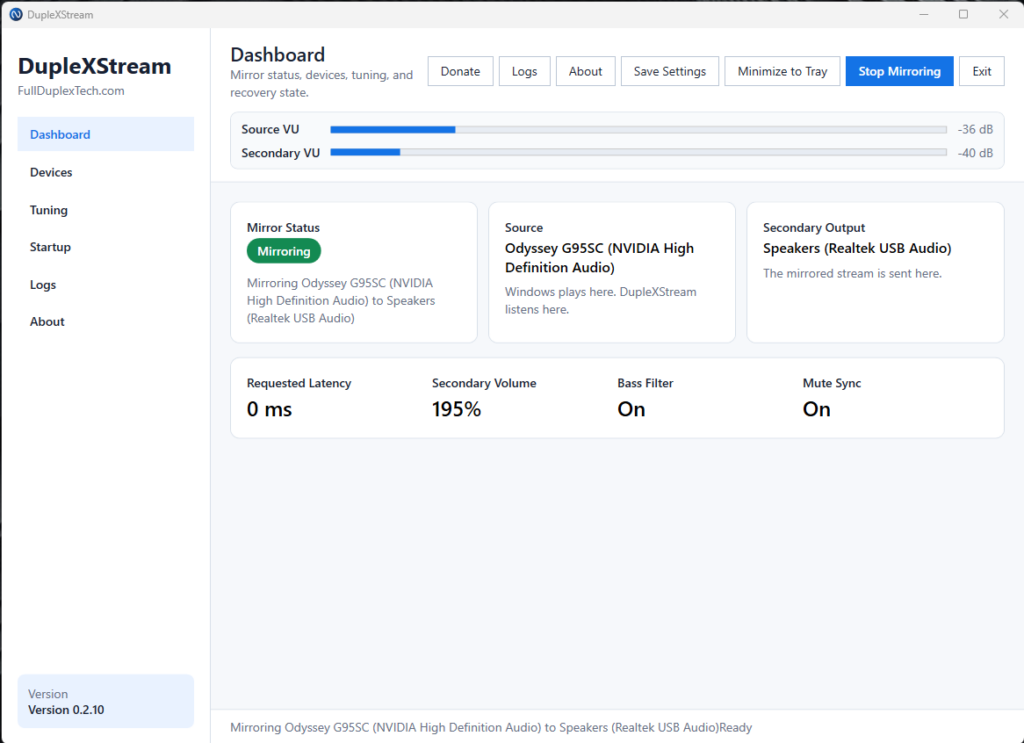
DupleXStream lets you run two audio outputs from one Windows PC without the usual mess. Mirror your main playback device to a second speaker, sound card, subwoofer, or room audio setup, with simple controls for latency, bass-only output, volume, mute sync, test tones, startup behavior, and live VU meters. No virtual cable maze, no complicated mixer setup. Just pick your source, pick your secondary output, and start mirroring.
Features:
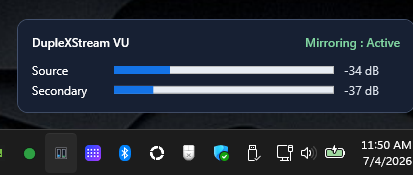
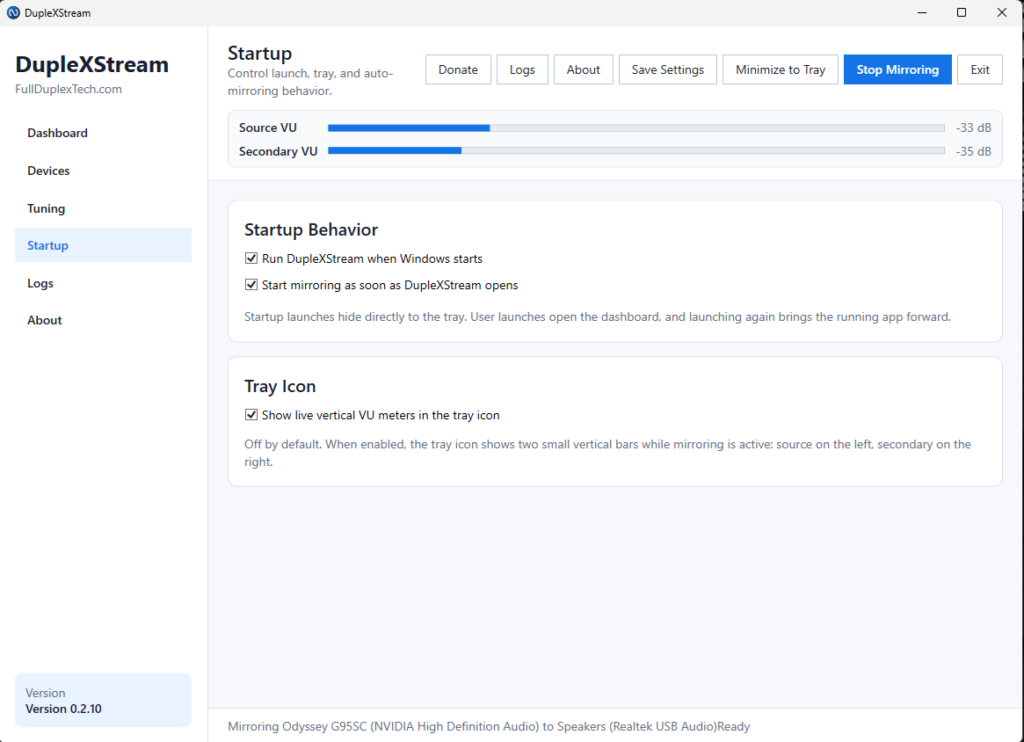
- Tray mode with live VU meter options
- Mirror Windows audio to a second output device
- Great for subwoofers, monitor speakers, onboard sound, USB audio, or room speakers
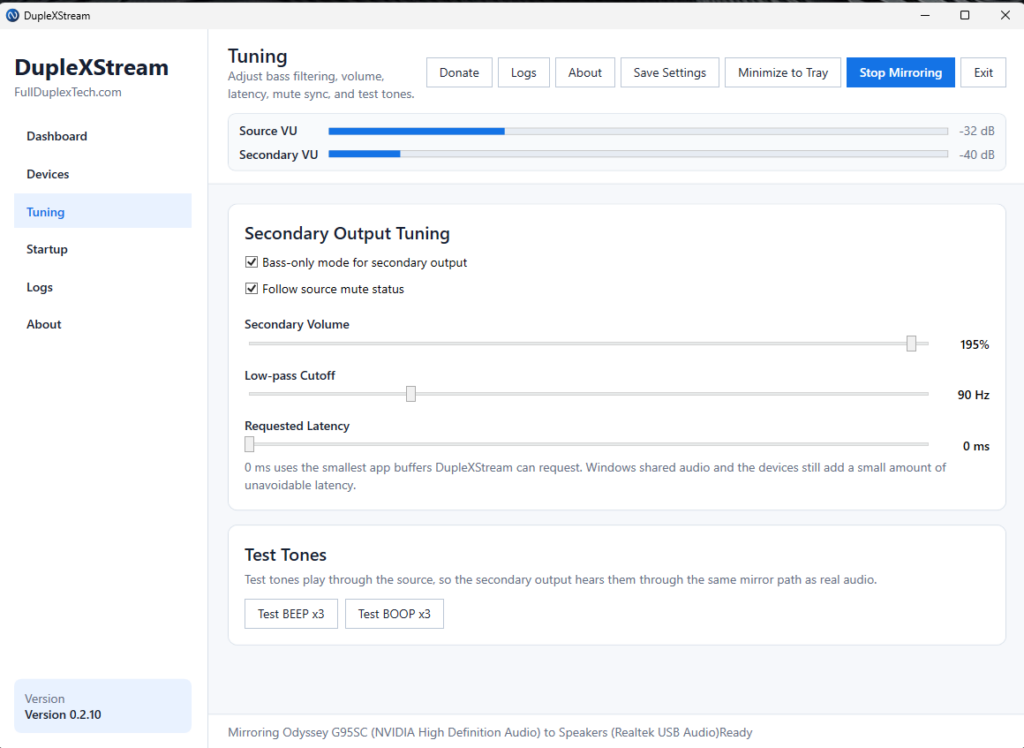
- Optional bass-only mode with low-pass cutoff
- Secondary output volume control
- Source mute sync
- Startup and auto-mirroring options
- Test BEEP/BOOP tones
Feature Images:
VU Meter in Tray :
Easy to use dashboard:
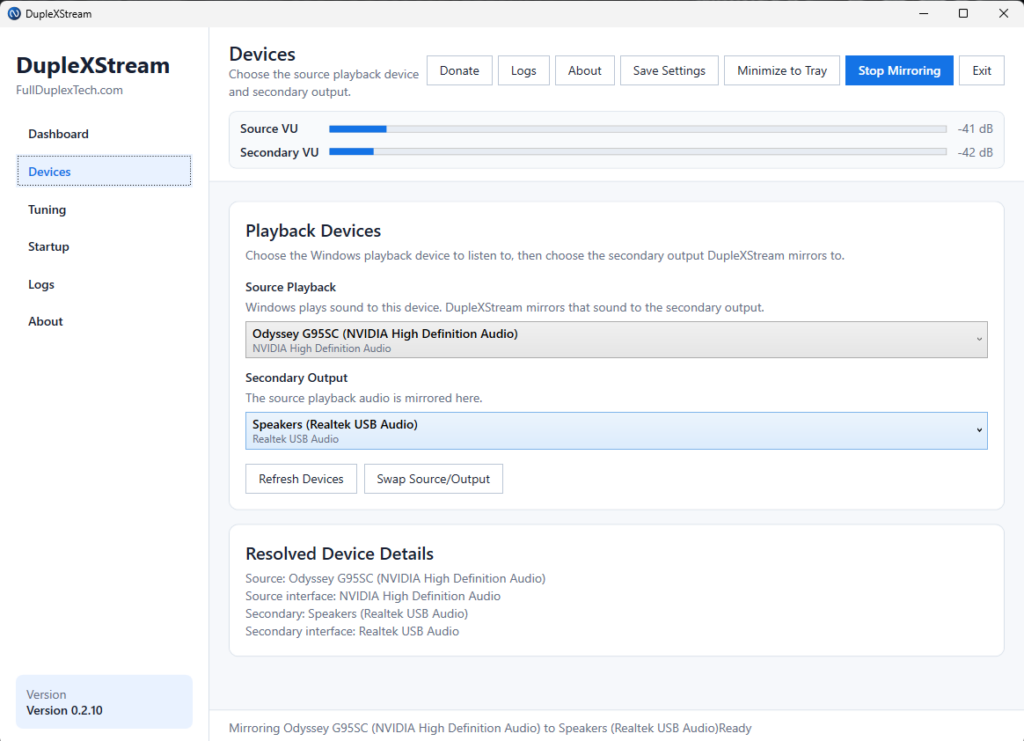
Fast and Easy initial setup.
Pick your source for audio and simply select where you want to mirror it to.
Fine Tuning and testing features built right into the app.
Customize the way the app starts and looks
$6.00 Lifetime Purchase.
Buy DupleXStream