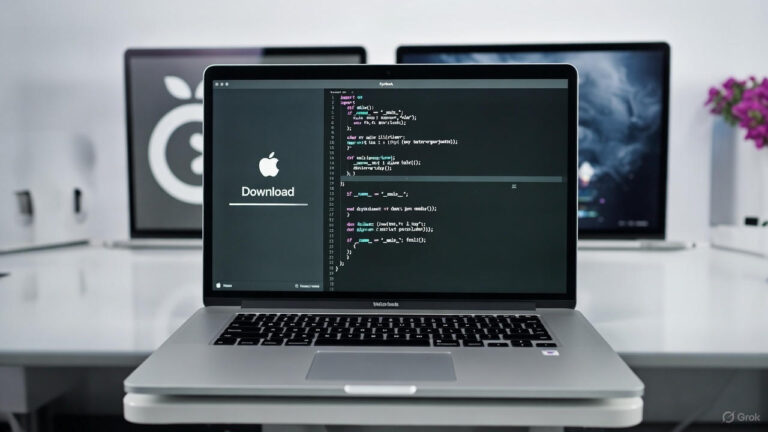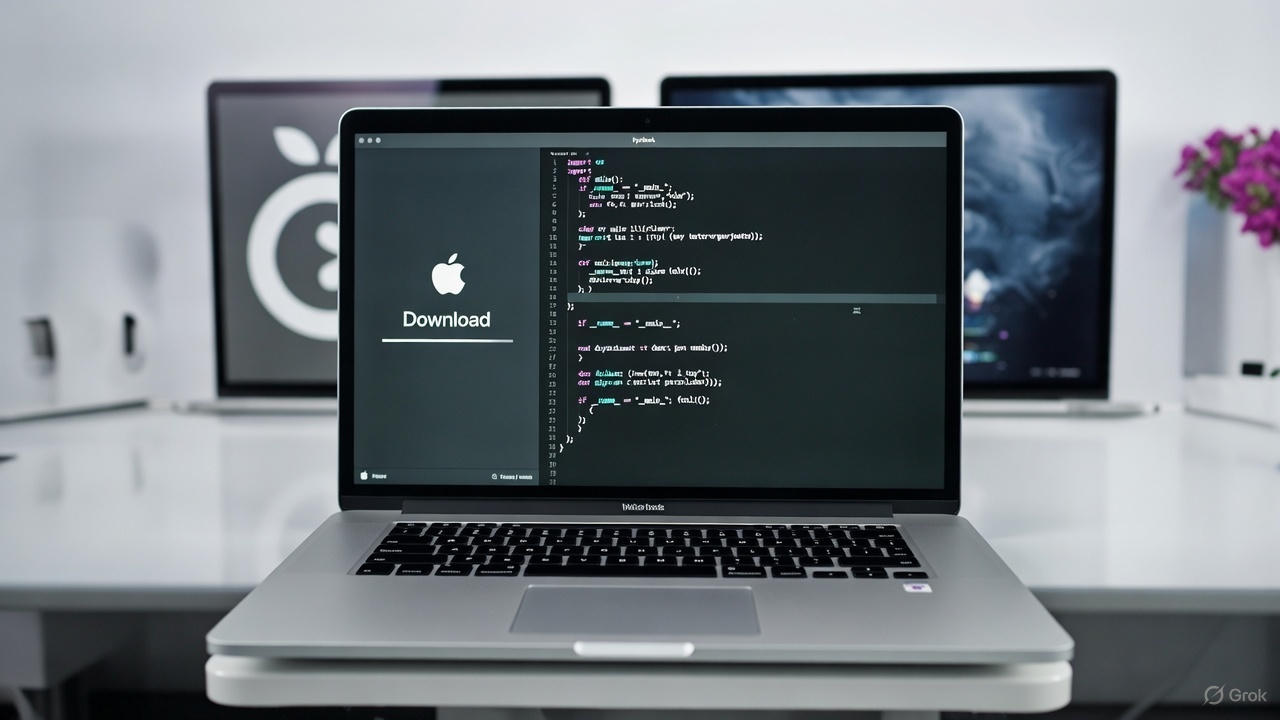
If you’ve ever needed a full macOS installer—for a clean install on your Mac, building a Hackintosh, or grabbing an older version not available in the App Store—you know it can be a hassle. Apple’s official methods often limit what you can download, especially on non-Apple hardware or older machines.
That’s where gibMacOS comes in—it’s a fantastic free tool that lets you download official macOS installers and recovery images directly from Apple’s servers, without jumping through hoops.
Created by the talented developer corpnewt, this simple Python script works on both Windows and macOS. It pulls from Apple’s software update catalogs, giving you access to a wide range of versions, from recent releases like Sequoia all the way back to older ones like High Sierra.
Why It’s So Valuable:
- Cross-platform: Download on Windows if you don’t have a Mac handy.
- Full installers: Get the complete ~12GB packages needed for bootable USB drives.
- Hackintosh-friendly: Essential for anyone in the custom PC macOS community.
- No App Store restrictions: Grab versions your current setup won’t allow.
Using it is straightforward: Download the repo, run the script (or .bat file on Windows), pick your version, and let it download. There’s even built-in help for creating bootable media.
Huge shoutout to corpnewt for building and maintaining this gem—it’s saved me tons of time.
Check it out and star the repo: https://github.com/corpnewt/gibMacOS
Happy installing! 🚀
About the Author